RF Designer
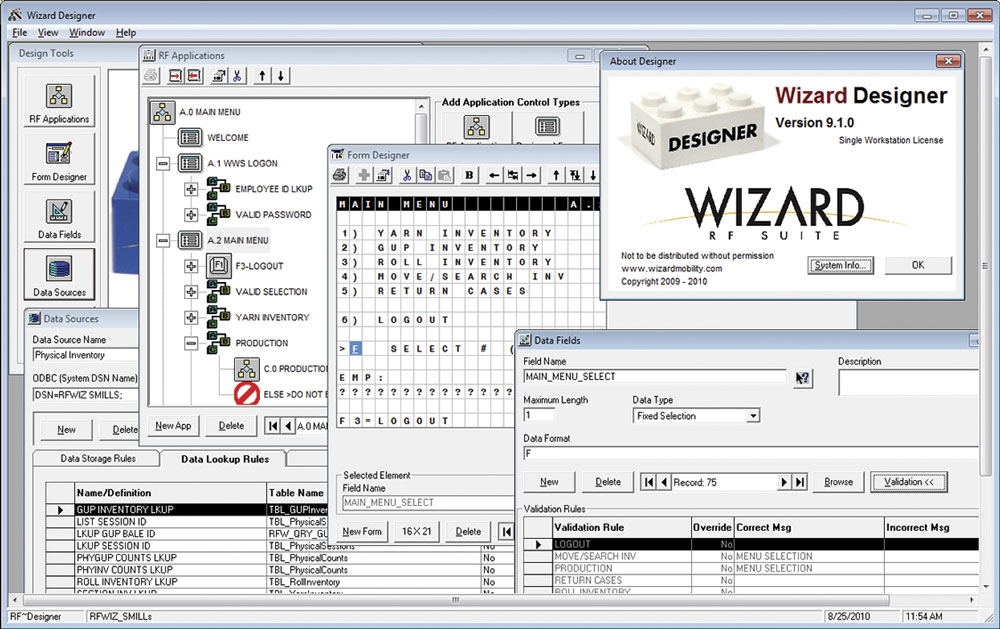
RF Designer is the PC-based “design and
configuration center” that creates and maintains
the RF applications. In addition, integration
requirements for all external business applications
are defined and linked.
RF Designer provides the means to:
- Add or modify business logic for the displaying,
capturing and validating of information.
- Add or modify rules that control reading
and writing to multiple data sources.
- Create forms used by mobile terminals.
- Enable capture of special 1D and 2D barcode
symbologies.
- Perform data calculations and formatting.
- Quickly modify existing mobile applications
for real-world optimization and testing.
|
|
Ultimately, Wizard allows your users
to collect and enter data in your own unique way
and then seamlessly integrate with your backoffice
system. Meanwhile, no critical processes are compromised. |
RF Monitor
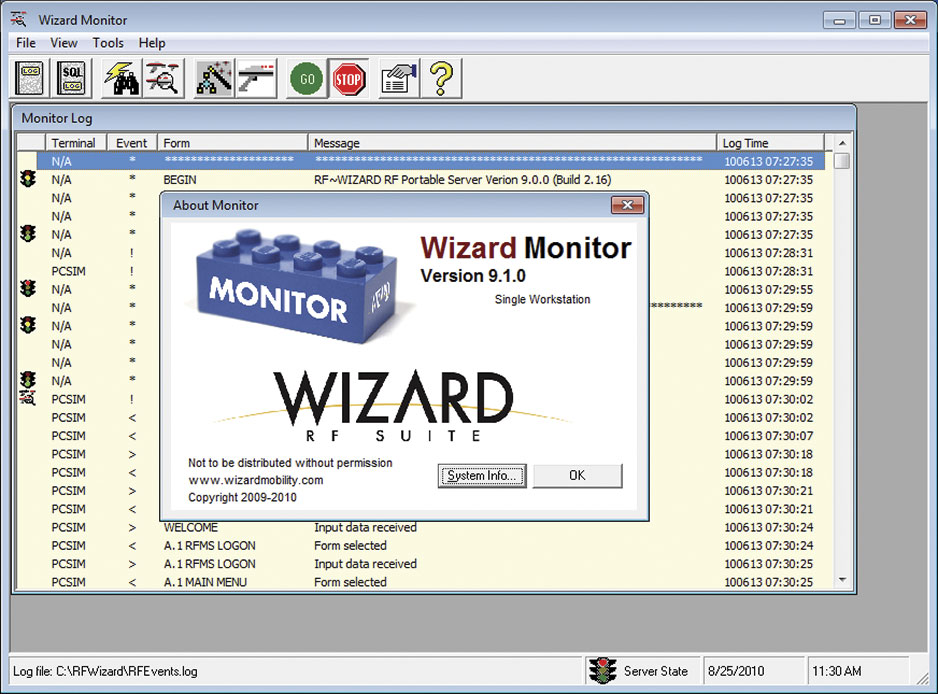
RF Monitor is the background PC application which
monitors communication between the RF Server and
connected RF Mobile terminals. RF system settings
can be monitored and changed as needed, and an
event log is generated for every connection. |
|
It's probably no surprise that your back-end
accounting system doesn't always manage information
like your operation actually works.
With Wizard, you can cater to BOTH your workforce
AND your back-office requirements. |
Features of RF Monitor include:
- Display list of activity and state of each
RF mobile terminal.
- Event log of all system errors and attempted
SQL commands for performance analysis.
- Remote manipulation of RF Server as needed.
- Quick-Launch Button to execute the RF Designer
and RF Mobile Client for real-time testing.
|
RF Server
RF Server is the PC-based server application that
performs all gateway communications and business
logic between the RF Mobile terminals and the
database applications. Workloads between connected
clients are automatically adjusted so that a single
client transaction does not tie up other server
transactions. No matter how many mobile terminals
are used, RF Server has the ability to connect
as a single user to all database servers so that
only one database license is needed.
Seamless integration has been performed with
Oracle, MAS, Timberline, Microsoft Dynamics, and
more. Tested servers include: MS-SQL, MySQL, Oracle80i,
DB2, Providex, and Pervasive SQL.
RF Server was developed as a 32-bit multithreaded
application to provide a high-level of performance,
scalability, and control over all connected clients.
Each connected client runs independently within
its own application thread thereby allowing scalable
performance results for each additional client.
The main thread for memory resource usage and
processor control manages all client threads. |
RF Mobile Client
RF Mobile Client is a PC-based virtual mobile
client that can be used to test application designs.
When appropriate, the RF Mobile Client can also
be used on wired or wireless PC workstations for
fixed-station solutions without the need for purchasing
actual mobile terminals. |
RF Connectivity
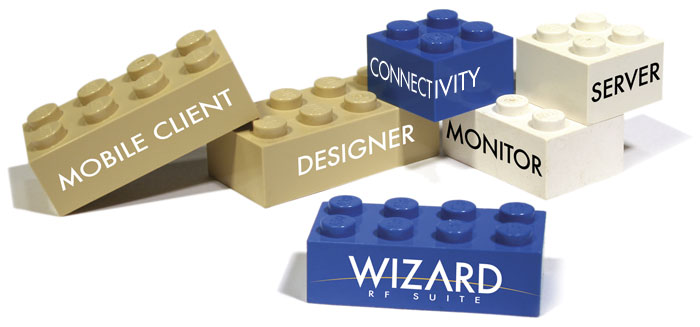
Wizard modules combine to achieve data validation,
review, and processing at three separate tiers.
This implementation allows a layer of separation
between the data input and queries (User-interface
logic), validation of data (Business logic), and
data retrieval/storage (Data logic). Software applications
use a thick-client implementation that provides
a robust and dynamic interface for both client and
server functionality. |
Specifications
The following wireless network devices are supported:
Symbol PDT68xx, WSS10xx, VRC69xx legacy series·
Symbol PDT81xx, PDT8000, PPT28xx, WC9060 legacy
series· Motorola MC90xx, MC70xx Windows
CE/Windows Mobile devices· LXE MX5, MX6,
MX3, VR6, and VR7· HHP 79xx Dolphin series·
Intermec 71x and CK series
The following wireless network types are required:·
802.11A · 802.11B· 802.11G |
LEGO®
is a trademark of the LEGO Group. |